Groups
Create or join a group, compete with friends and keep each other accountable.
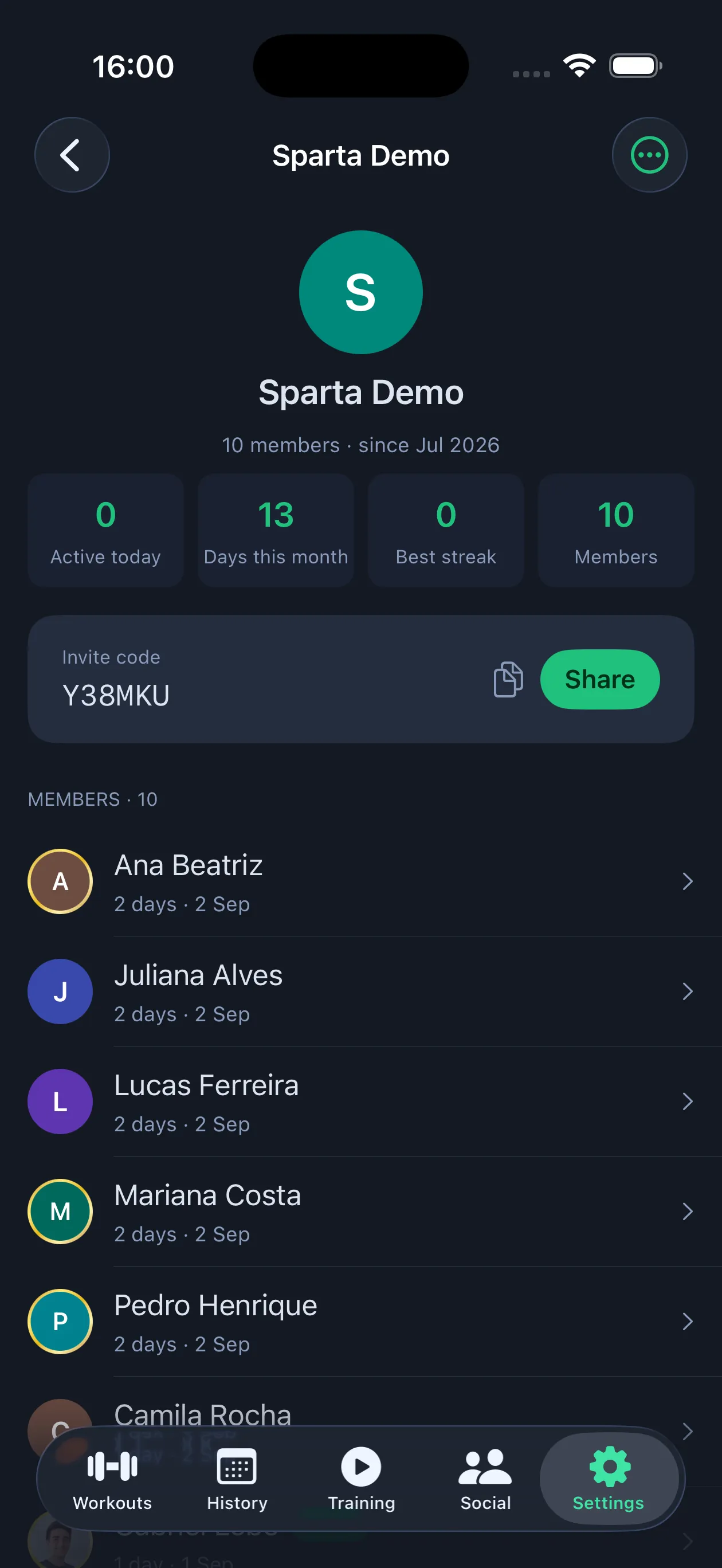
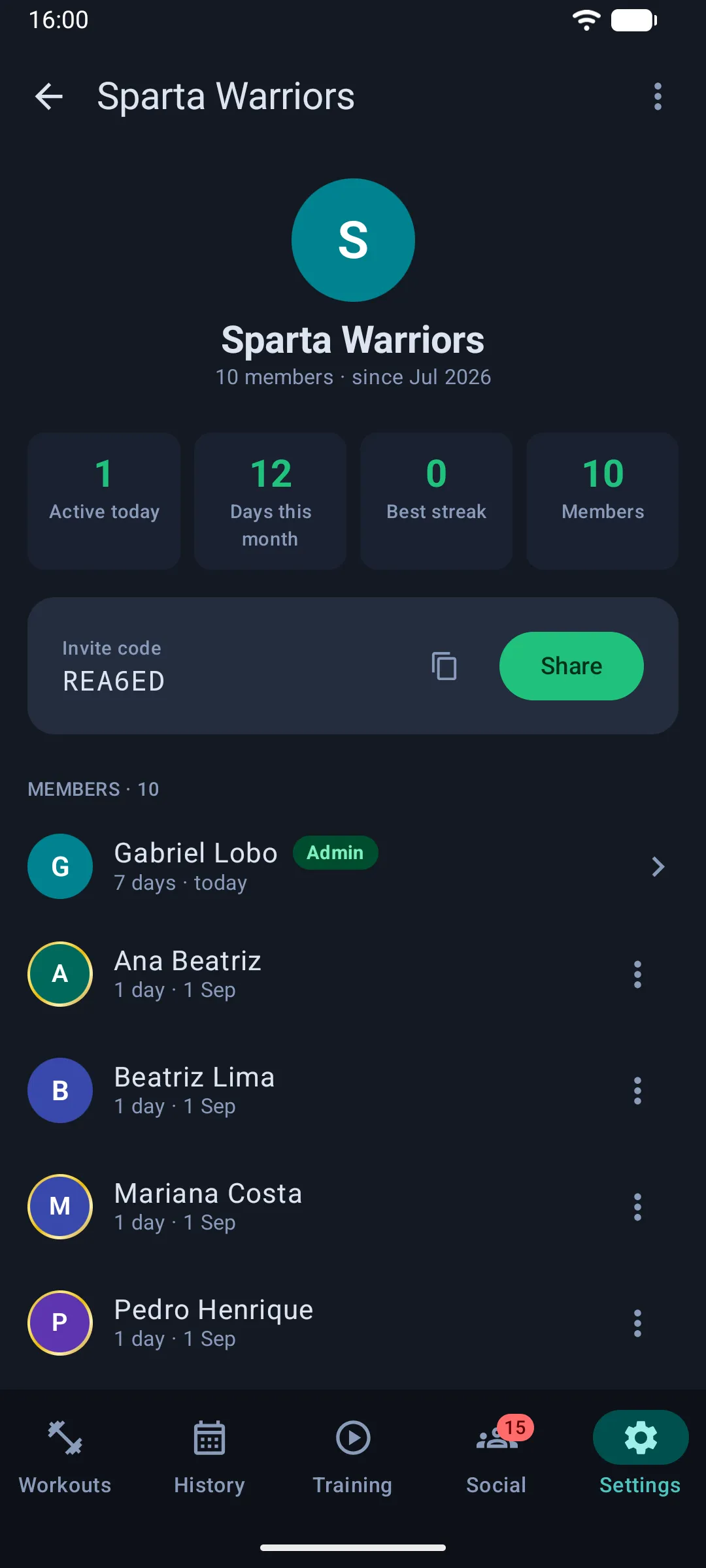
A group is a private circle of friends, teammates or coworkers who track their activity together. Active days roll up onto a shared monthly board and you compete to be the most consistent.
Groups are the social layer of Sparta. The app works fine without one, but the leaderboard and ranking features only light up once you’re in a group with other people.
Creating a group
From the Groups tab, tap the plus button and give the group a name. You become the admin automatically.
A group has exactly one admin at a time. As admin you can:
- Generate and view the join code so others can join.
- Remove members who shouldn’t be there.
- Delete any comment in the group’s feed.
Joining a group
Ask the admin for the 6-character join code, then enter it in the Groups tab. A code lasts 5 days. After that, the admin opens the code screen and gets a fresh one.
Free accounts are in one group at a time. Sparta Pro lifts that to unlimited and each group has its own leaderboard, ranking history and streak tracking.
Privacy
Groups are private by default. Your activity is only visible to people in groups you’re in. There’s no public profile, no global leaderboard and no way for strangers to see what you do.
Inside a group, your activity shows up in the social feed at whatever level of detail you pick in your sharing settings, down to hiding it from the feed entirely.
If you want out, any member can leave a group at any time.