
Getting Started
Install Sparta Fitness, sign in and log your first active day.
Welcome to Sparta Fitness. This guide walks you through installing the app, signing in and logging your first active day so it counts toward your monthly leaderboard.
Install the app
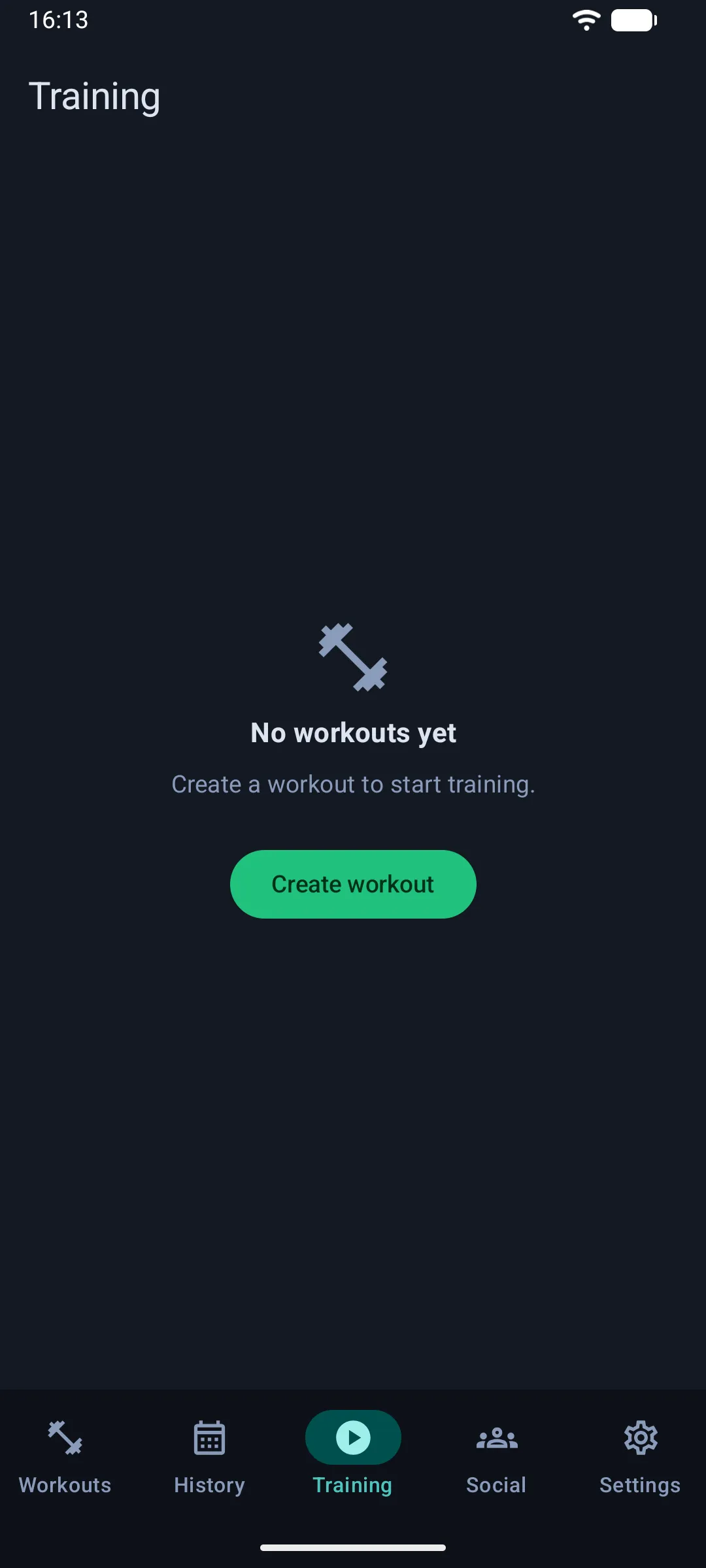
Sparta Fitness runs natively on iPhone and Android. Both versions share the same features and stay in sync across your devices.
Sign in
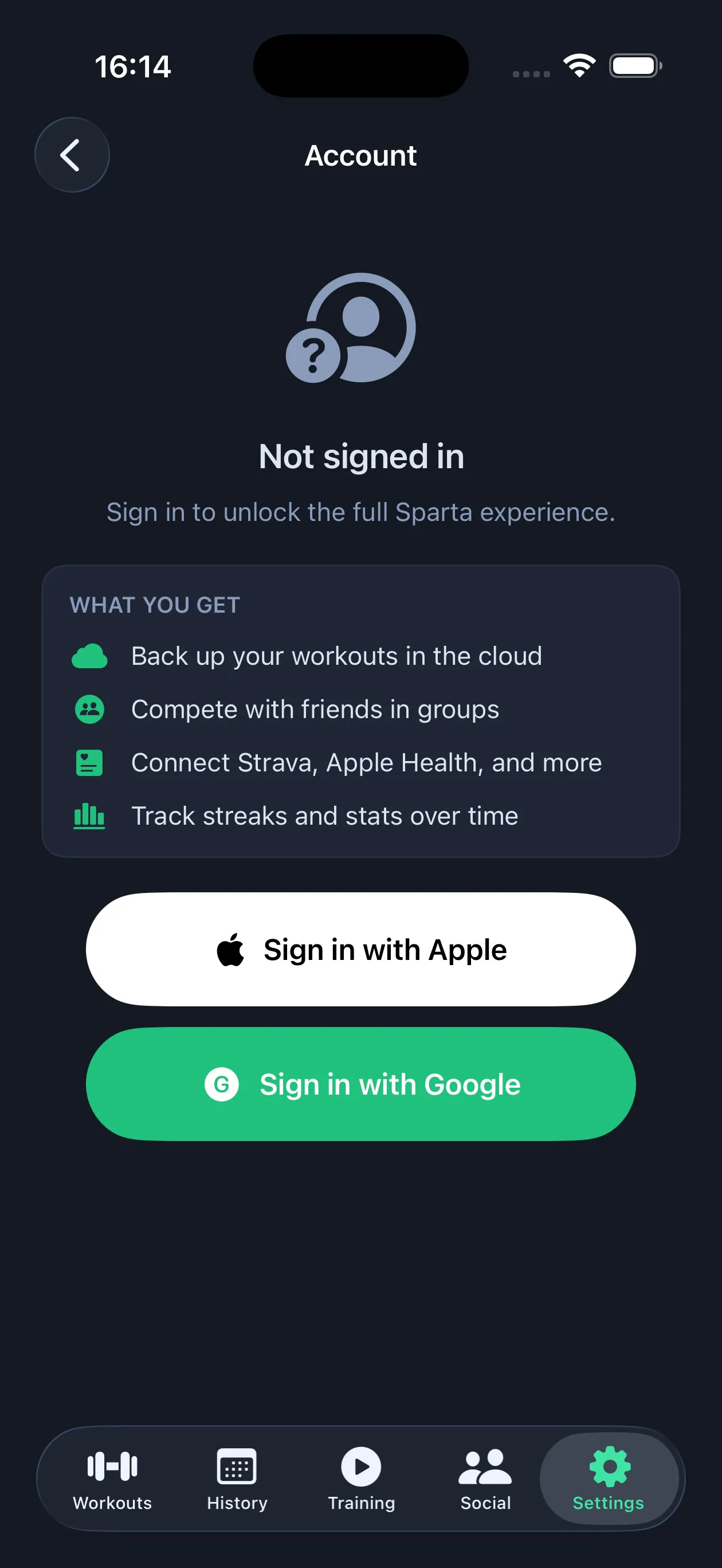
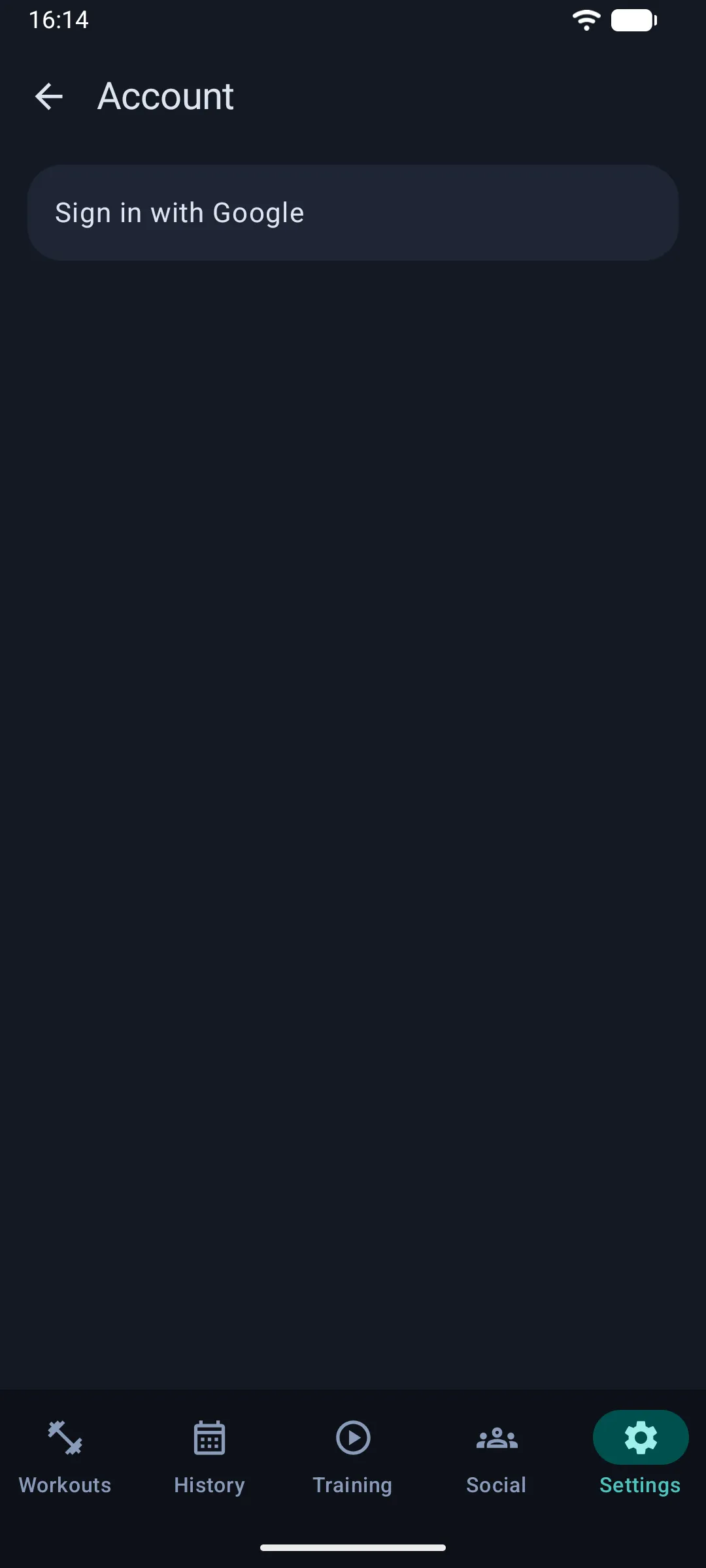
On iPhone, tap Sign in with Apple or Sign in with Google. On Android, tap Continue with Google. Your password stays with Apple or Google. We never see it.
Signing in is optional for building templates and logging workouts on one phone. You need it for groups, the leaderboard, the feed and sync across devices.
Log your first active day
You can log a workout, a run, a sport or a quick check-in. Anything that counts as activity counts toward your daily streak.
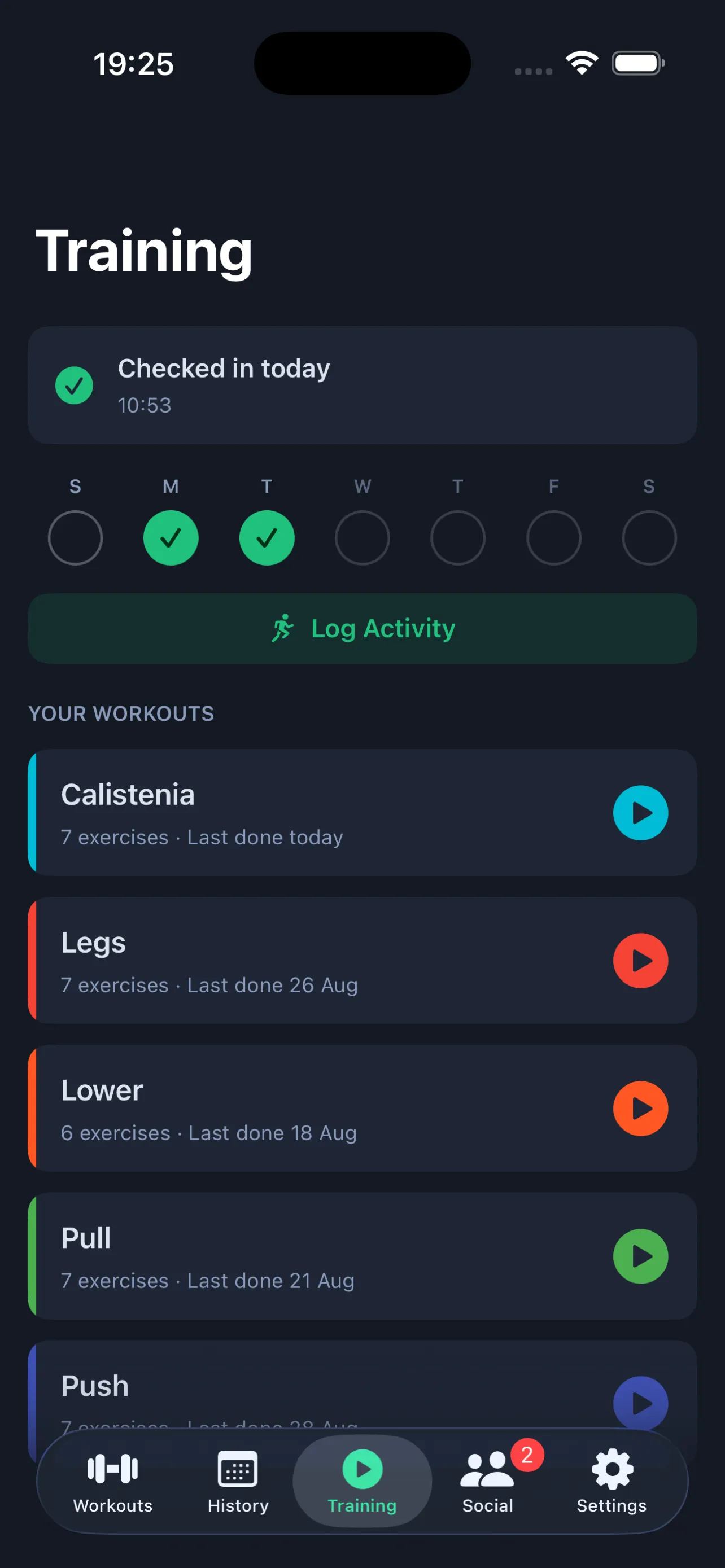
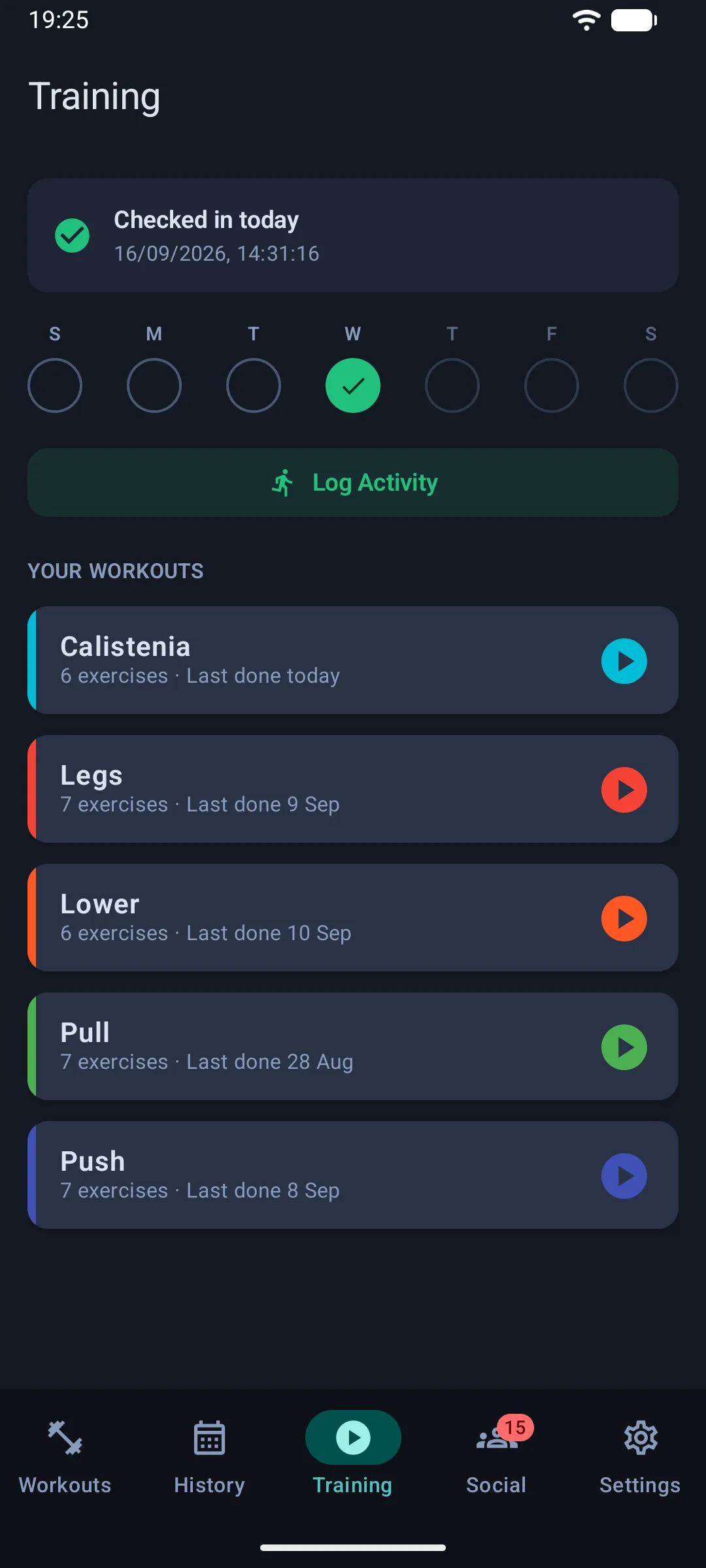
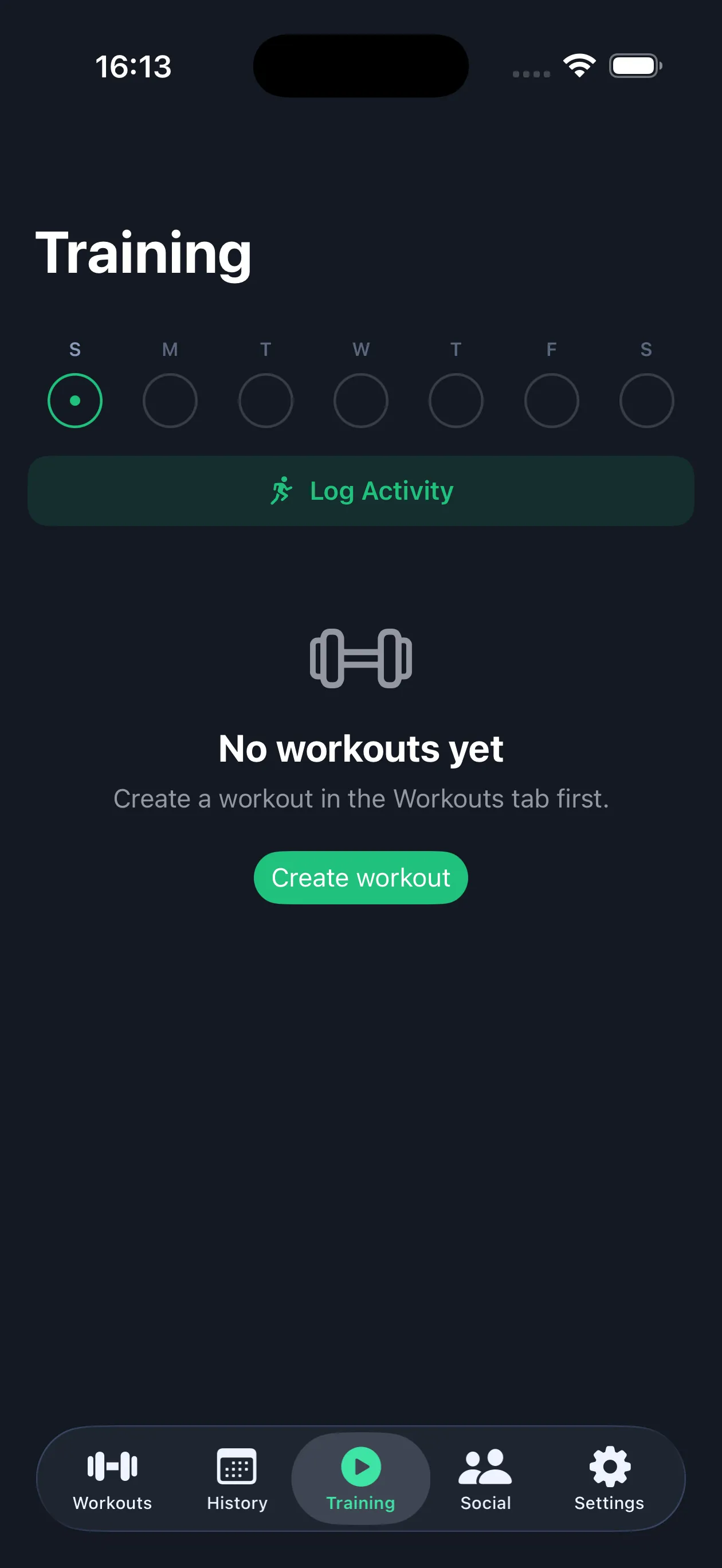
Tap Check In on the Training tab and today counts. For a run or a sport with distance and duration, tap Log Activity instead. Finishing a workout session counts too.
That’s it. Your day is counted. Open the Social tab to see how you stack up against your group this month.